
To remove your YouTube channel from your TubeAssist account, please follow the steps below:
1. Log in to TubeAssist.
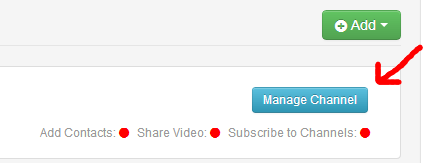
2. Click the 'Manage Channel' button on the Dashboard for the YouTube channel you wish to remove.
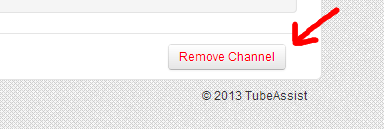
3. Click the 'Remove Channel' button in the lower right corner of the screen.
At this point, your channel has been removed from TubeAssist. If you want to make sure that all permissions have been revoked for your Google account, please follow Google's guide for managing your permissions https://support.google.com/accounts/answer/41236?hl=en. If you have any further questions, please let us know.